You've seen it before. The lights dim, the first slide goes up and within minutes, half the room is on their phones.
It's not because your topic isn't interesting. It's not because your speakers aren't talented. It's because the way we run conferences hasn't changed in 50 years and the human brain has had enough.
The Attention Crisis No One Talks About
Audience attention during presentations drops sharply after the first 10 minutes. By the 20-minute mark, retention falls dramatically. By the end of a 45-minute keynote, most attendees remember only a handful of moments — if that.
Now multiply that across a full-day conference. Multiple sessions, back-to-back speakers, a post-lunch energy dip, and a room full of people who are simultaneously checking Slack, answering emails, and pretending to take notes.
The result? A room full of people who are physically present but mentally somewhere else.
Event organizers spend months planning the perfect lineup, negotiating venue costs, and obsessing over catering. But they rarely address the one thing that determines whether the event actually works: whether the audience is genuinely engaged.
And the uncomfortable truth is — most aren't.
Why Passive Formats Don't Work Anymore
The traditional conference format assumes that a good speaker with good content is enough. And maybe it was — in an era before smartphones, before constant notifications, before every person in the room had an infinite scroll of content available in their pocket.
That era is over.
Today's audiences are trained to interact. They swipe, tap, react, comment, vote, and share dozens of times per hour. When you put them in a room and ask them to sit still and listen for 45 minutes, you're fighting against every habit their brain has built.
Passive listening isn't a choice — it's a neurological default. Without active involvement, the brain disengages. It's not rudeness. It's biology.
The solution isn't to be a better speaker. The solution is to change the format.
The Science Behind Why Games Work
When people play — even briefly, even simply — something shifts in the brain. Dopamine is released. Focus sharpens. The social environment activates. People start paying attention not just to the game, but to everything around it.
This is why game-based engagement has been adopted across education, corporate training, and live events worldwide. It's not a gimmick. It's backed by decades of research into how people actually learn and retain information.
The key ingredients are simple:
Competition — even light, low-stakes competition activates attention and motivation
Immediate feedback — seeing your answer appear on a live screen creates a loop of engagement
Social awareness — knowing others are participating makes you more present
Relevance — when the game connects to the content, retention increases dramatically
A single well-timed interactive moment can reset the energy in an entire room.
The 5-Minute Fix That Changes Everything
You don't need to redesign your event. You don't need a production team or a technical crew. You need one moment — placed at the right time — that pulls your audience back in.
Here's exactly how it works:
1. Pick your moment. The best time to introduce an interactive game is around the 10-minute mark — right before attention starts to drift. You can also use it after a break, at the start of a new session, or as a closing activity.
2. Open Monolite and launch your game. Before your event, you've already designed your trivia round or versus poll using Monolite's drag-and-drop builder. It takes about 10 minutes to set up — and it looks completely on-brand, with your colors, logo, and event theme.
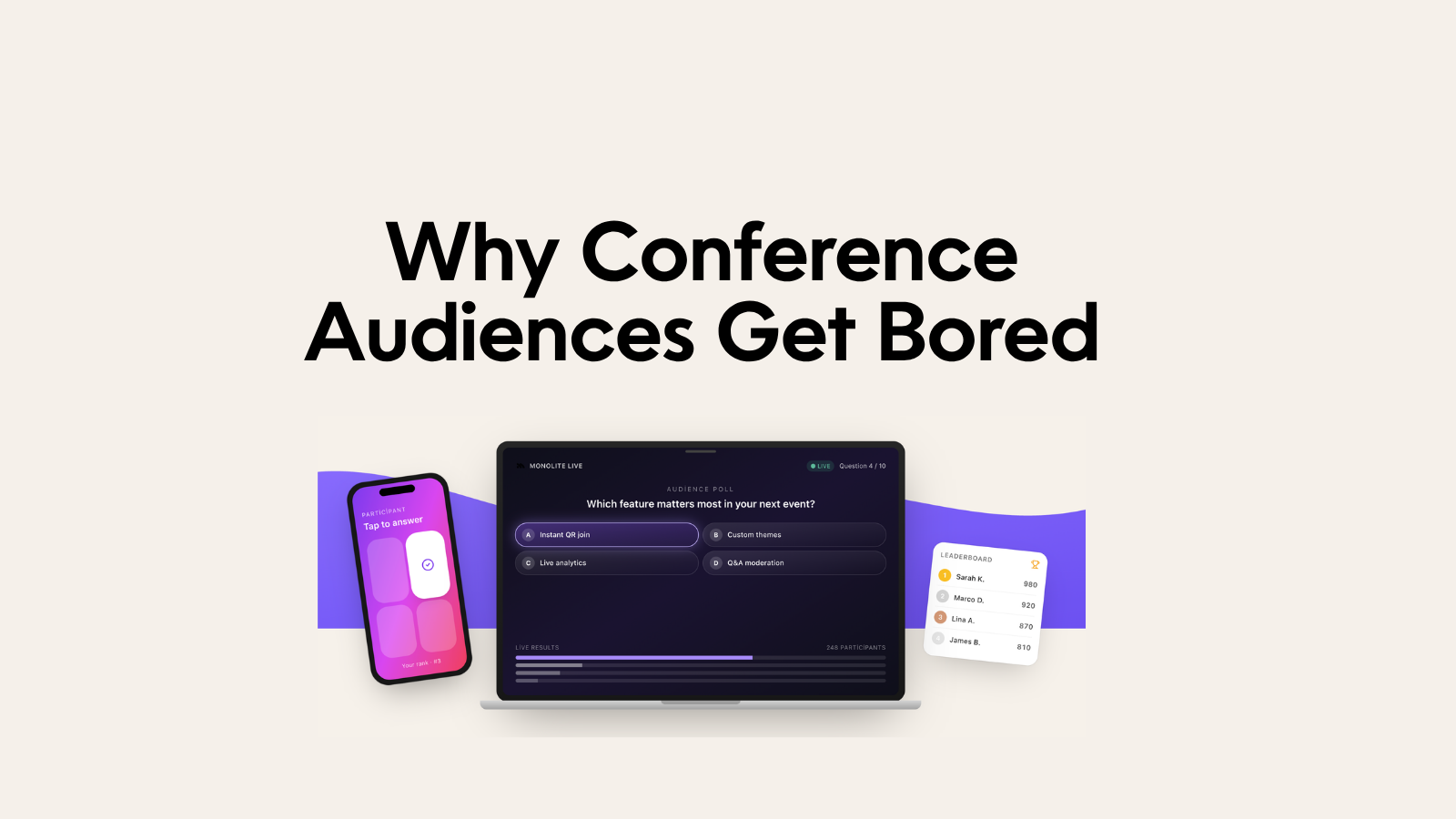
3. Display the QR code. A single QR code appears on your presentation screen. Attendees scan it from their seats. No app download. No account creation. No waiting. They're in within seconds.
4. Play. Questions appear live on the main screen. Attendees answer on their phones. Scores update in real time. You see who's leading, who's guessing, and the room reacts together.
5. React and transition. You comment on the results, connect them back to your content, and move forward. The room is now fully awake — and they'll stay that way.
Total time: 3 to 7 minutes. Total setup effort: about 10 minutes beforehand.
What Makes Monolite Different
There are other tools in this space. Kahoot is built for classrooms. Mentimeter is built for polls and Q&A. They're good at what they do — but they weren't designed for professional events where the experience needs to feel polished, branded, and seamless.
Monolite was.
Here's what sets it apart:
Full design control. With Monolite's Canva-style builder, you design every element of your game — background, colors, typography, logo, question cards. The result looks like it was made for your event, not like you borrowed a tool from a school teacher.
Two powerful game formats. Trivia lets you run multi-question knowledge rounds with live leaderboards. Versus lets audiences vote between two options in real time — perfect for debates, preference polls, or energizing a room before a big announcement.
Instant QR participation. No friction. No downloads. No technical support needed. Attendees scan and join in seconds, whether there are 20 people in the room or 2,000.
Built for presentations. Monolite integrates into your existing event flow. You're not switching to a different platform — you're adding a layer of interactivity on top of what you already have.
Real-time analytics. After the event, you can see how your audience responded, which questions generated the most engagement, and how participation evolved throughout the session.
Real Scenarios Where This Works
Corporate conferences. Break up a long keynote with a trivia round about your industry. See who knows the most about your market — and use the results to lead into your next point.
Team offsites. Use a versus poll to spark a debate between departments. Sales vs. Marketing. Remote vs. In-office. The room picks sides, energy spikes, and the conversation that follows is actually interesting.
Product launches. Quiz your audience on product features before you reveal them. Build anticipation. Make the launch feel like an event, not a presentation.
Training sessions. Reinforce key concepts mid-session with a trivia round. Research shows that retrieval practice — being tested on information shortly after learning it — dramatically improves retention.
Panels and fireside chats. Use a versus poll to let the audience weigh in before or after a key question. Give the speakers real data to react to.
Networking events. Open with an icebreaker trivia round. Suddenly, strangers have something to talk about.
Common Objections — Honestly Answered
"Our audience is too senior for games."
The most competitive trivia rounds we've seen involved C-suite executives and senior partners. Seniority doesn't reduce the human enjoyment of competition — if anything, it amplifies it. Nobody likes losing to their peers.
"We don't have time in the agenda."
A Monolite game takes 3 to 7 minutes. In exchange, you get an audience that's re-engaged and present for the rest of your session. The math is very much in your favor.
"Setting this up sounds complicated."
It isn't. Monolite's builder is drag-and-drop. You create your game, copy the QR code, and paste it into your slides. If you can use Canva, you can use Monolite. Most users have their first game live within 10 minutes.
"What if the Wi-Fi is bad?"
QR participation works on mobile data. Attendees don't need the venue's Wi-Fi to join — they use their own connection. And because Monolite is optimized for live environments, it's built to handle real-world conditions.
"We already use Mentimeter."
Mentimeter is a great tool for polls and word clouds. But if you want to run a competitive, game-based experience that actually energizes a room — with leaderboards, trivia rounds, and branded design — Monolite does something fundamentally different.
How to Get Started Before Your Next Event
If you have an event coming up in the next few weeks, here's a simple plan:
Sign up for Monolite at getmonolite.com — it takes under a minute
Create your first trivia game using the builder — 5 to 8 questions is plenty for a first session
Add your branding — upload your logo and set your event colors
Export your QR code and drop it into your presentation slides
Run it live — and watch what happens to the room
You don't need a big budget. You don't need a technical team. You need 10 minutes of setup and the willingness to try something different.